Windows Vista / Windows 7
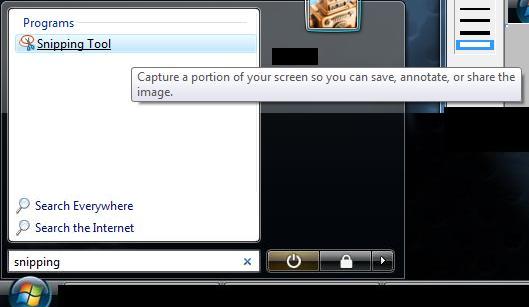
- Open a program called Snipping Tool (type Snipping in the "Start Search" area of the start menu).
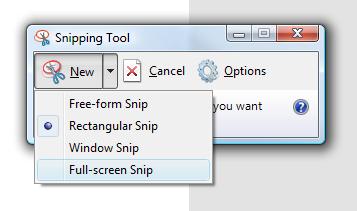
- Click on the arrow next to the "NEW" Button, then click "Full Screen Snip"
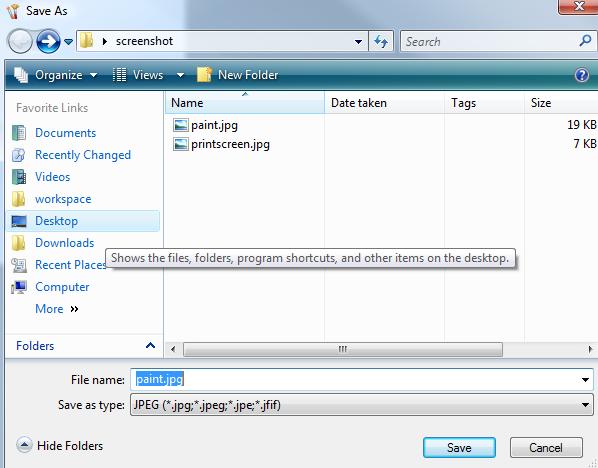
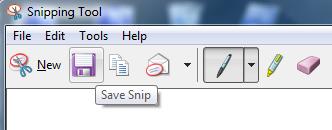
- Click on the Save Button (or File -> Save As), and choose a location to save the file, Example: Desktop
Windows 8, Windows 10
Use The Keyboard Shortcut - Windows + PrtScn
- If you want to take a screenshot of the whole screen and save it as a file on the hard drive, without using any other tools, then press Windows + PrtScn on your keyboard. Windows 8.1 and Windows 10 will store the screenshot in the Pictures library, under Screenshots.
Windows XP
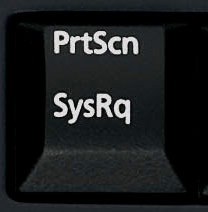
- Ensure the screenshot you wish to take is visible on your screen and press the Print Screen (PrtScrn) button on your keyboard.
- Open Microsoft Word or Microsoft Paint
- Paste the image into the program by holding Ctrl and pressing V, or on the menu Click Edit -> Paste
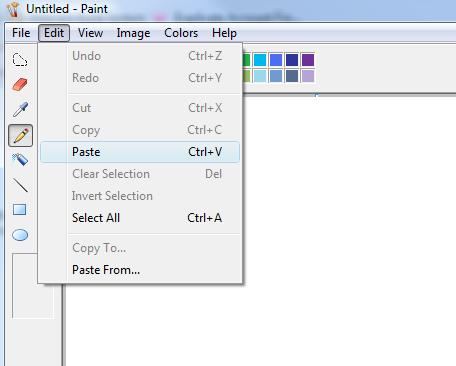
- Click File -> Save As, change the type to PNG or JPG, and choose a location to save the file, Example: Desktop